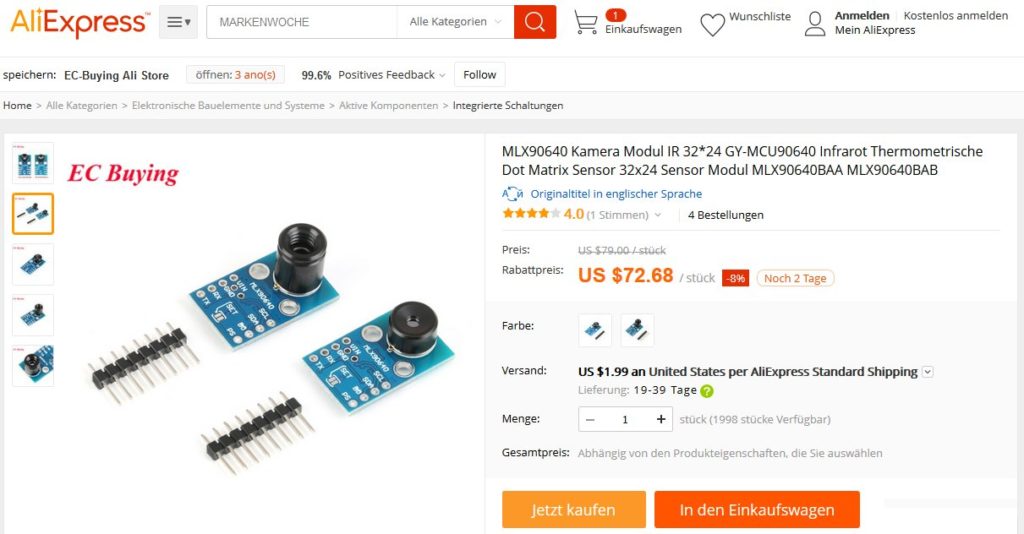
Mit einem Arduino bzw. ESP32 kann man sogar eine Wärmebildkamera basteln. Bei der Variante 1 wird die Temperatur mit dem Sensor MLX90614 Pixel für Pixel bestimmt, indem man den Sensor mittels zweier Servomotoren in viele verschiedene Richtungen orientiert. Bei der Variante 2 mit dem Sensor MLX90640 ist dies nicht mehr nötig, da der Sensor bereits über 32×24 Pixel verfügt. Leider brachte ich den MLX90640 mit einem Arduino nicht zum Laufen. Daher musste ich auf einen ESP32 ausweichen.
Variante 1: Sensor MLX90614
Dieser Sensor verfügt lediglich über 1 Pixel. Daher muss zur Aufnahme eines kompletten Wärmebildes der Sensor Schritt für Schritt in viele Richtungen ausgerichtet werden. Dies bedingt natürlich eine sehr große Messzeit. Bei 1 Sekunde pro Messung und einem Bild mit 40×40 Pixel dauert der Messvorgang immerhin bereits fast 27 Minuten.
Die Temperaturwerte werden am Ende mit dem Grafikprogramm gnuplot eingefärbt, damit man ein anschauliches Wärmebild erhält.
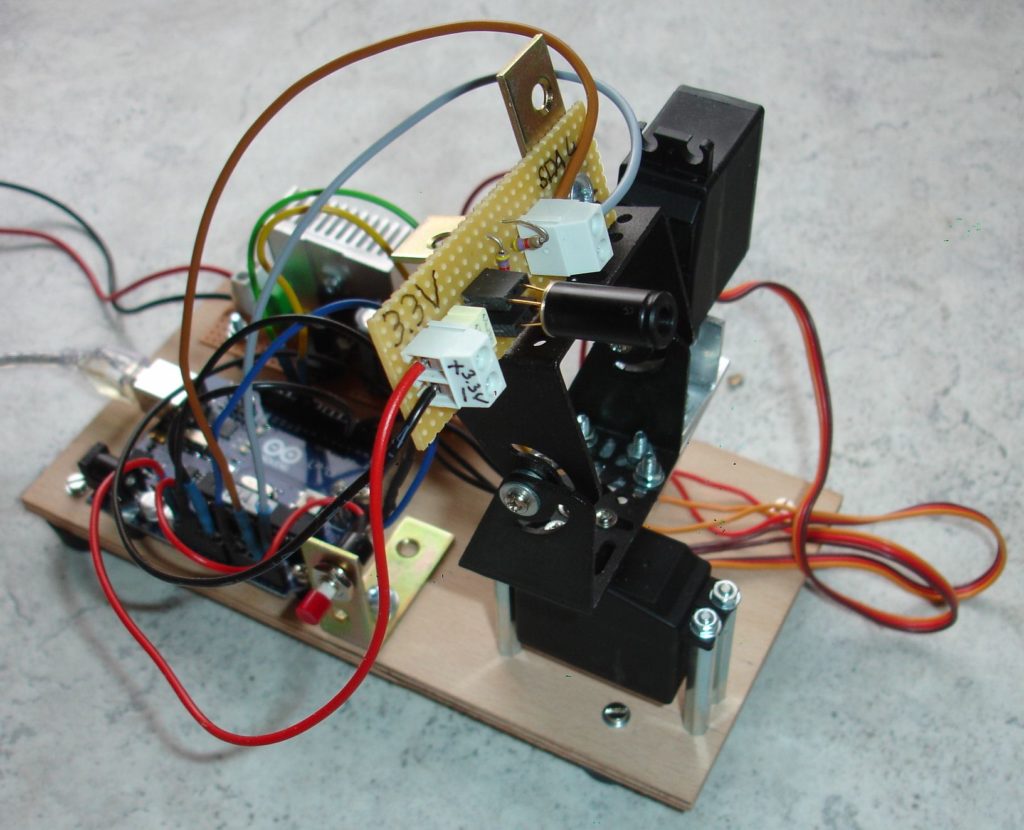
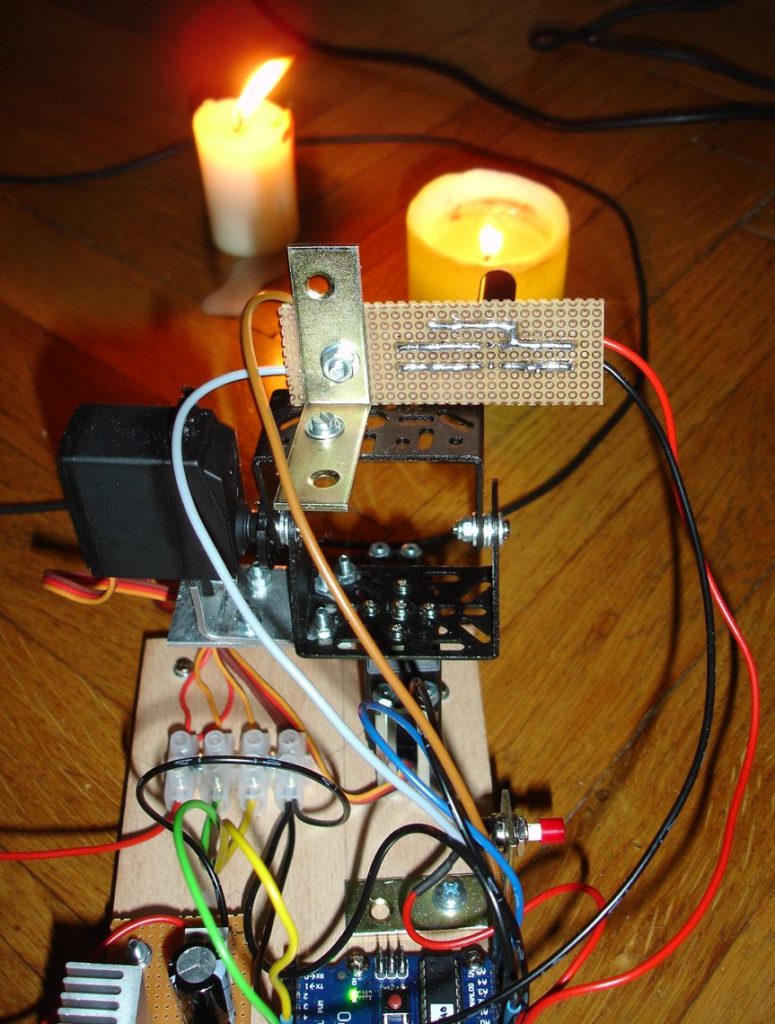

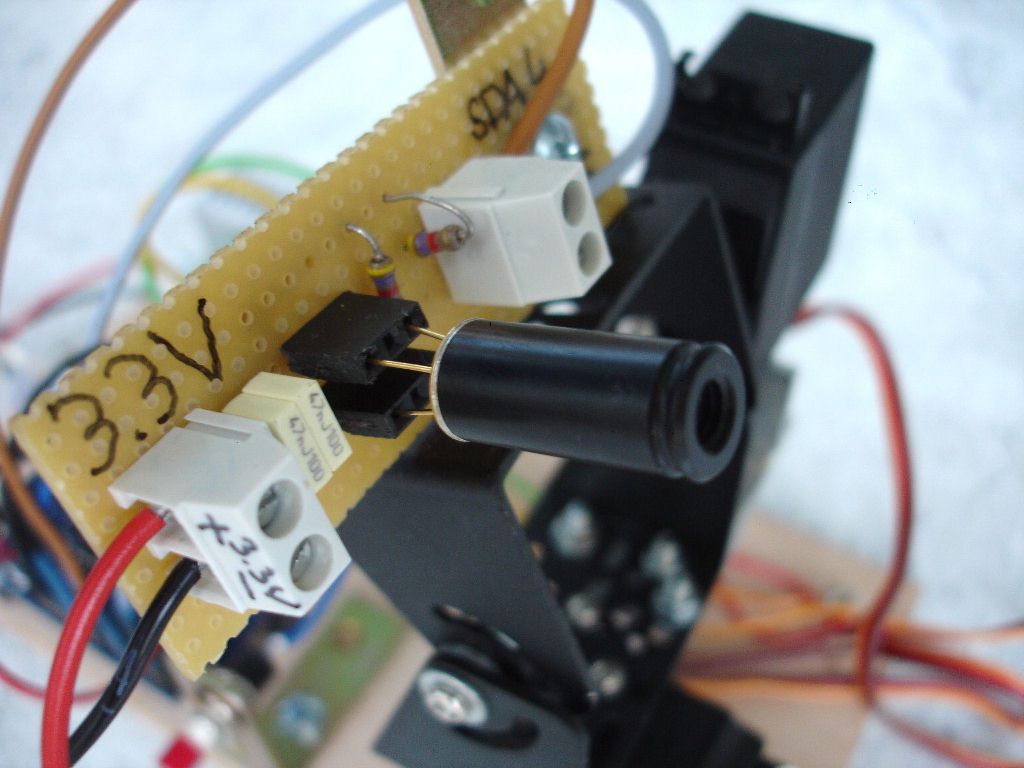
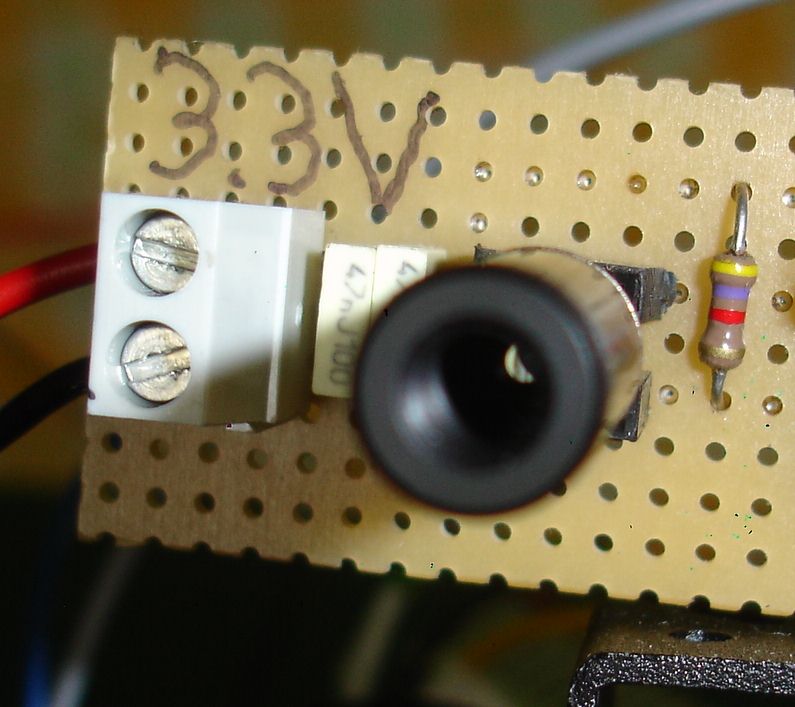
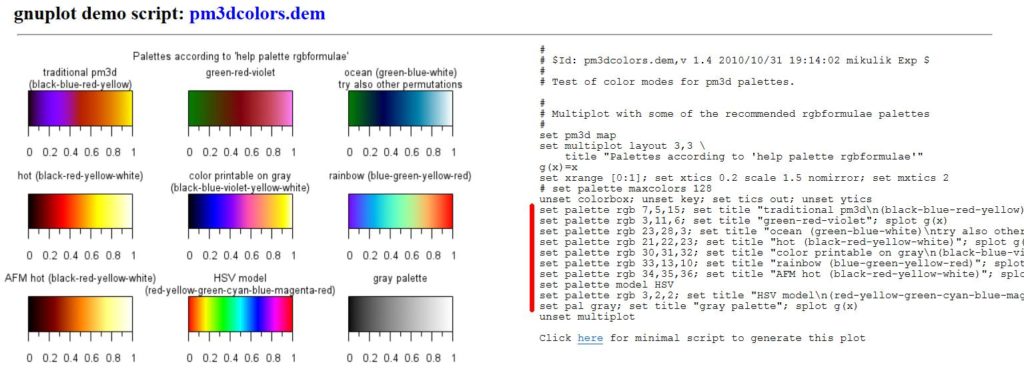
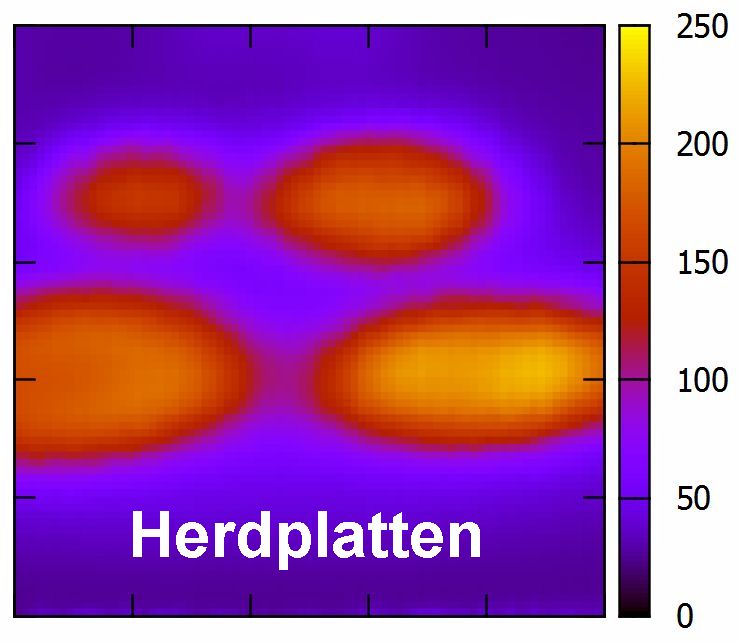


Arduino-Code:
// =======================================================
// ====== Programm zur Erstellung eines Wärmebilds =======
// =======================================================


#include <Servo.h>           // Inkludiert die Servodateien
#include <i2cmaster.h>       // Inkludiert die i2c-Bus-Dateien

Servo servo_horiz;           // Definiert den horizontalen servo
Servo servo_verti;           // Definiert den vertikalen servo
int taste;                   // Tastaturpin für Start des Scans
int horiz_start = 90;        // horizontaler Startwinkel
int verti_start = 20;        // vertikaler Startwinkel
int schritte = 40;           // horizontale bzw. vertikale Schritte


// ************************************
// ************** SETUP ***************
// ************************************

void setup()
   {
    Serial.begin(9600);

    servo_horiz.attach(9);    // Set horizontalen servo to digital pin 9
    servo_verti.attach(10);   // Set vertikalen servo to digital pin 10

    pinMode(13, OUTPUT);


    i2c_init();                              //Initialisiert den i2c-Bus
    PORTC = (1 << PORTC4) | (1 << PORTC5);   //enable pullups

   }


// ********************************************
// ************** HAUPTSCHLEIFE ***************
// ********************************************

void loop()
   {

    taste = analogRead(A0);      // Abfrage, ob die Taste gedrückt wird und der Scan gestartet werden kann

    servo_horiz.write(horiz_start);
    servo_verti.write(verti_start);

    if (taste > 500)
       {
        // ********** Messung gestartet ************


        digitalWrite(13, HIGH);   // set the LED on
        delay(1000);              // wait for a second
        digitalWrite(13, LOW);    // set the LED off


        for (int i = horiz_start; i >= horiz_start - schritte; i--)
          {
           servo_verti.write(verti_start);

           delay(150);

           for (int j = verti_start; j <= verti_start + schritte; j++)
              {
               servo_horiz.write(i);
               servo_verti.write(j);

               delay(250);


               int dev = 0x5A<<1;
               int data_low = 0;
               int data_high = 0;
               int pec = 0;

               i2c_start_wait(dev+I2C_WRITE);
               i2c_write(0x07);

               // Temperatur vom MLX90614 lesen

               i2c_rep_start(dev+I2C_READ);
               data_low = i2c_readAck();      // Read 1 byte and then send back
               data_high = i2c_readAck();     // Read 1 byte and then send back
               pec = i2c_readNak();
               i2c_stop();

               // This converts high and low bytes together and processes temperature, MSB is a error bit and is ignored for temps

               double tempFactor = 0.02;  // 0.02 degrees per LSB (measurement resolution of the MLX90614)
               double tempData = 0x0000;  // zero out the data
               int frac;                  // data past the decimal point

               // This masks off the error bit of the high byte, then moves it left 8 bits and adds the low byte.

               tempData = (double)(((data_high & 0x007F) << 8) + data_low);
               tempData = (tempData * tempFactor)-0.01;

               float celcius = tempData - 273.15;

               Serial.print(horiz_start - i);
               Serial.print(" ");
               Serial.print(j - verti_start);
               Serial.print(" ");
               Serial.println(celcius);

              }
          }

        // ********** Messung beendet ************

        digitalWrite(13, HIGH);   // set the LED on
        delay(1000);              // wait for a second
        digitalWrite(13, LOW);    // set the LED off

        servo_horiz.write(horiz_start);
        servo_verti.write(verti_start);
       }

   }
Variante 2: Sensor MLX90640
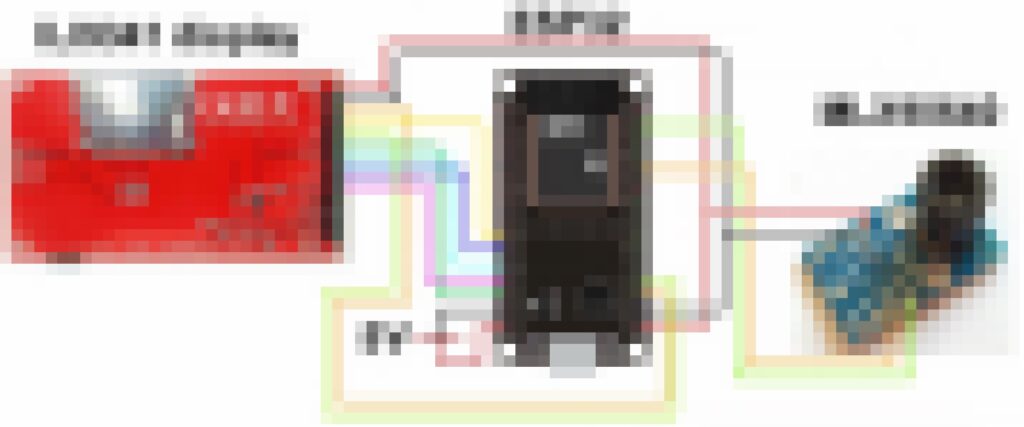
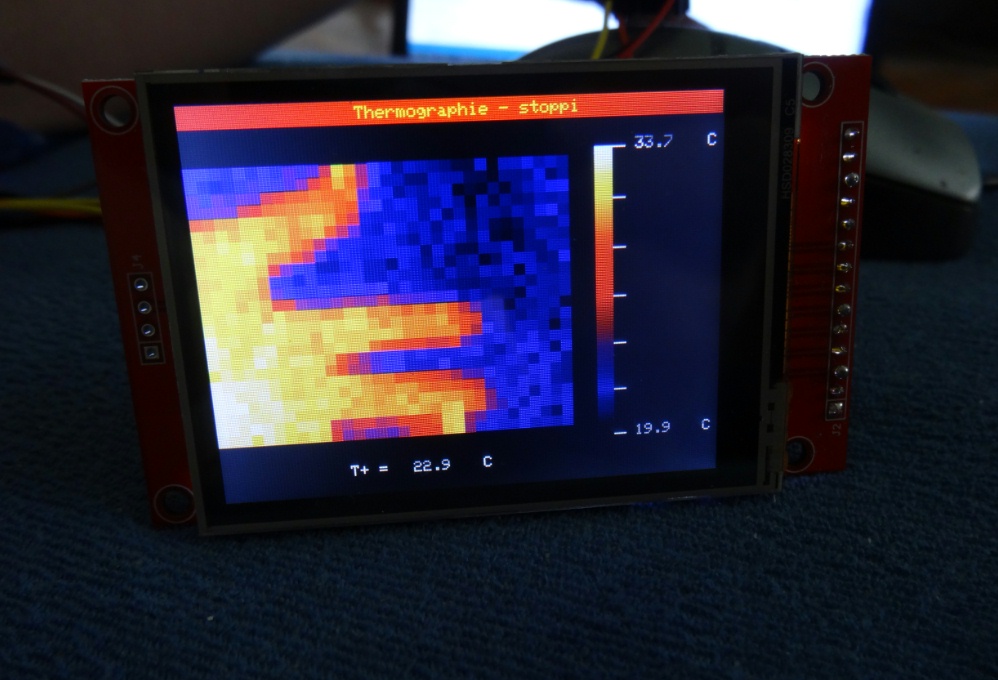
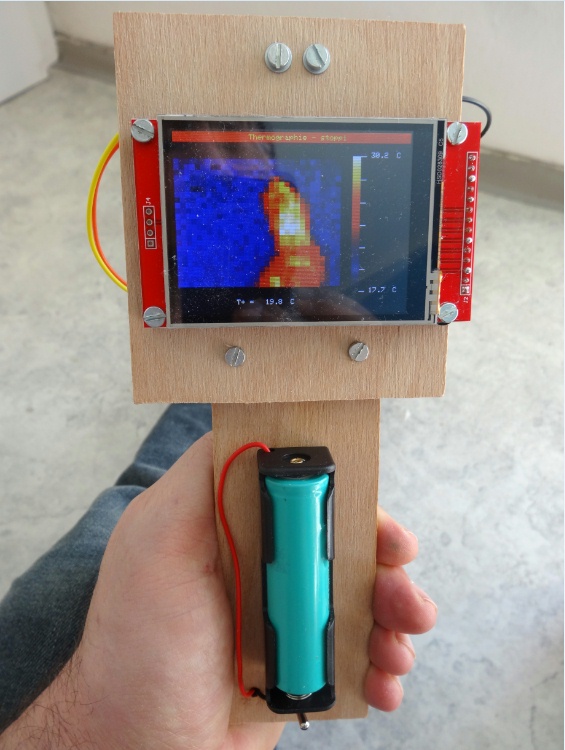
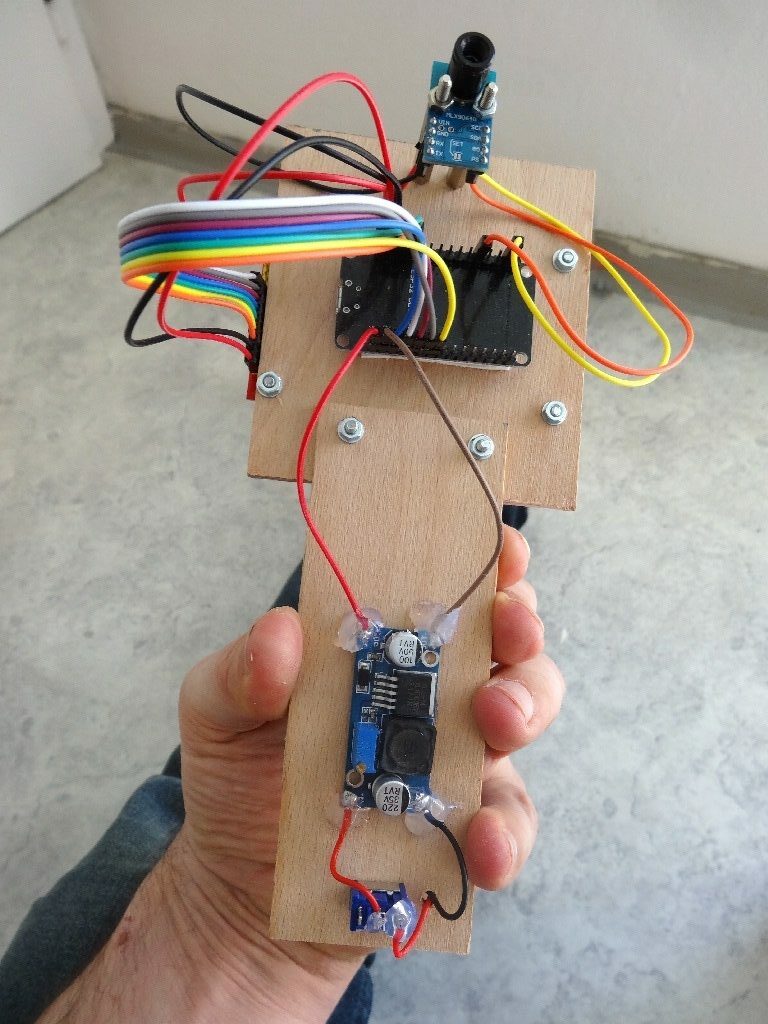
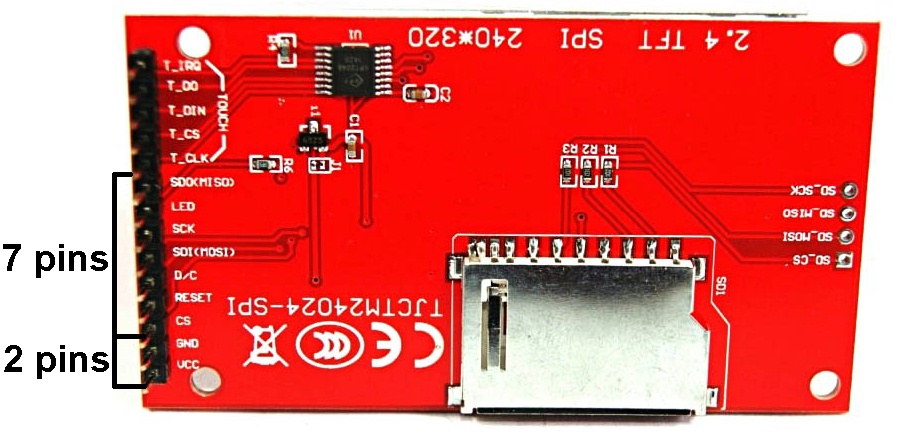
Dieser Sensor verfügt wie schon erwähnt bereits über 32×24 Pixel. Deshalb können ca. 2 Bilder pro Sekunde erstellt/angezeigt werden. Das Display verfügt über 320×240 Pixel. Angezeigt werden Minimaltemperatur, Maximaltemperatur und Temperatur des mit einem Kreuz versehenen Pixels in der Bildmitte.

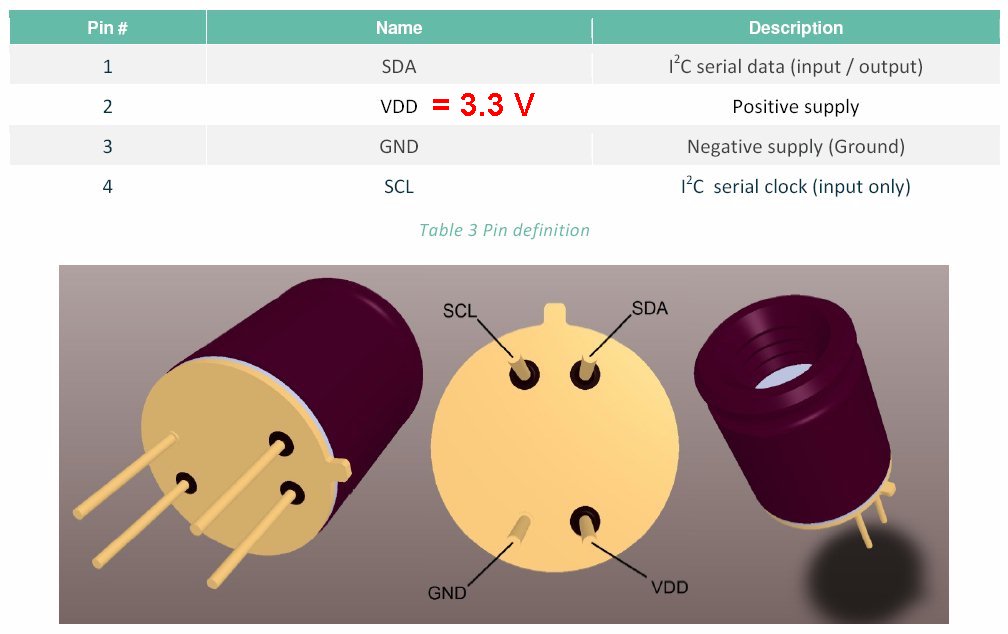



Dieses Mal mache ich es anders: Wer den Schaltplan & Arduino-code haben möchte, der spende mir 5 Euro für einen Kaffee auf mein paypal-Konto. Dann schicke ich die Dateien an die Emailadresse des Spenders.
Ich mache dies deshalb, weil die freiwilligen Spenden auf mein Paypal-Konto im Jahr wenn es hoch geht vielleicht 30 Euro betragen. Und dies, obwohl meine Homepage pro Jahr rund 250 000 clicks verzeichnet und ich eine riesige Menge an Informationen kostenlos anbiete. Ich habe einmal nachgerechnet: In den letzten 20 Jahren habe ich in Summe bestimmt 18 000 Stunden in meine Projekte gesteckt. Alleine an Material stecken bestimmt 15 000 Euro in meinen Aufbauten und dies, obwohl ich so günstig wie möglich einkaufe. Aber die Menschen scheinen dies nicht ansatzweise zu honorieren. Anstatt mir einmal 5 Euro zu überweisen (über die ich mich dann riesig freue und ich sie als Wertschätzung meines Einsatzes sehe) kaufen sie sich vermutlich lieber um 1500 Euro das allerneueste Iphone oder einen anderen unnötigen Schnickschnack. Gratis im Internet angebotene, hochqualitative Information hat scheinbar für die Allermeisten keinerlei Wert. Und wenn irgendein Influencer ein Top-Schundprodukt anpreist, wird es natürlich von Tausenden gleich gekauft, auch wenn es dabei nur einen einzigen Gewinner gibt und das Produkt zumeist wertlos ist. Diese Entwicklung kotzt mich regelrecht an…